07PROMPT.RECEIPT.ARCHIVE/Web App
VIZLY SPACE
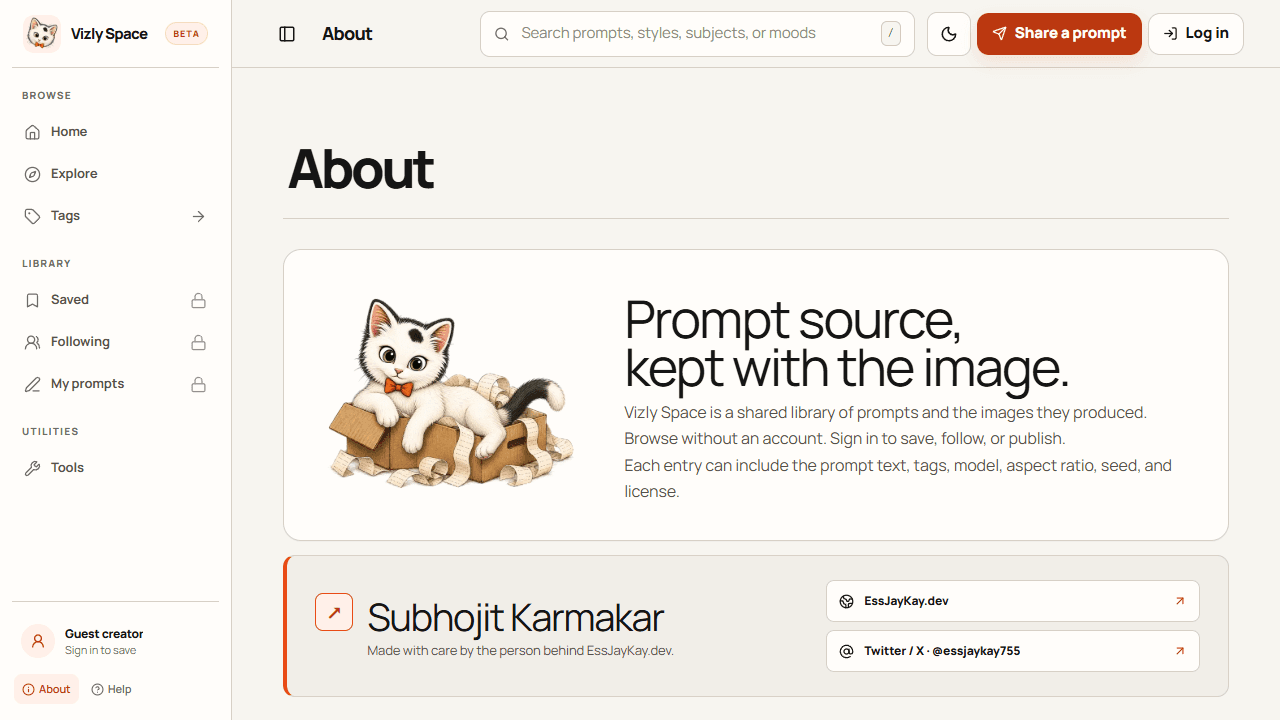
A shared image-prompt archive that keeps each artwork beside the prompt and generation details used to make it.
- Role
- Creator & Product Engineer
- Stack
- Next.js / React / TypeScript / Tailwind CSS / Gemini
- Year
- 2026
- Status
- Active
- Links
- Live app ↗
01Context
A shared visual reference for prompt engineers and artists, where an image remains connected to the instructions and settings that produced it.
02Problem
Image-generation results often travel without their prompt or model settings, making a useful result hard to understand, credit, or reproduce. Vizly makes the recipe part of the entry and lets visitors browse before they create an account.
03Constraints
- 01Keep public discovery open while gating personal saves, creator follows, and publishing behind sign-in.
- 02Present long prompt text and image-generation metadata in a readable detail view.
- 03Keep creator identity and actions attached to the prompt receipt.
- 04Support a varied image gallery alongside search, tags, sorting, and prompt-specific actions.
04Architecture
The promptgallery source uses the Next.js App Router and a client-driven React interface. Typed Prompt and User models connect catalog data to reusable browse, prompt-detail, submission, profile, and account components. A Gemini service can expand prompt text and suggest tags; the live site presents discovery, public receipts, creator actions, and utility views as one archive.
- Prompt catalog and types
- Define the image, prompt, creator, tags, and source fields used throughout the browsing experience.
- Archive and search
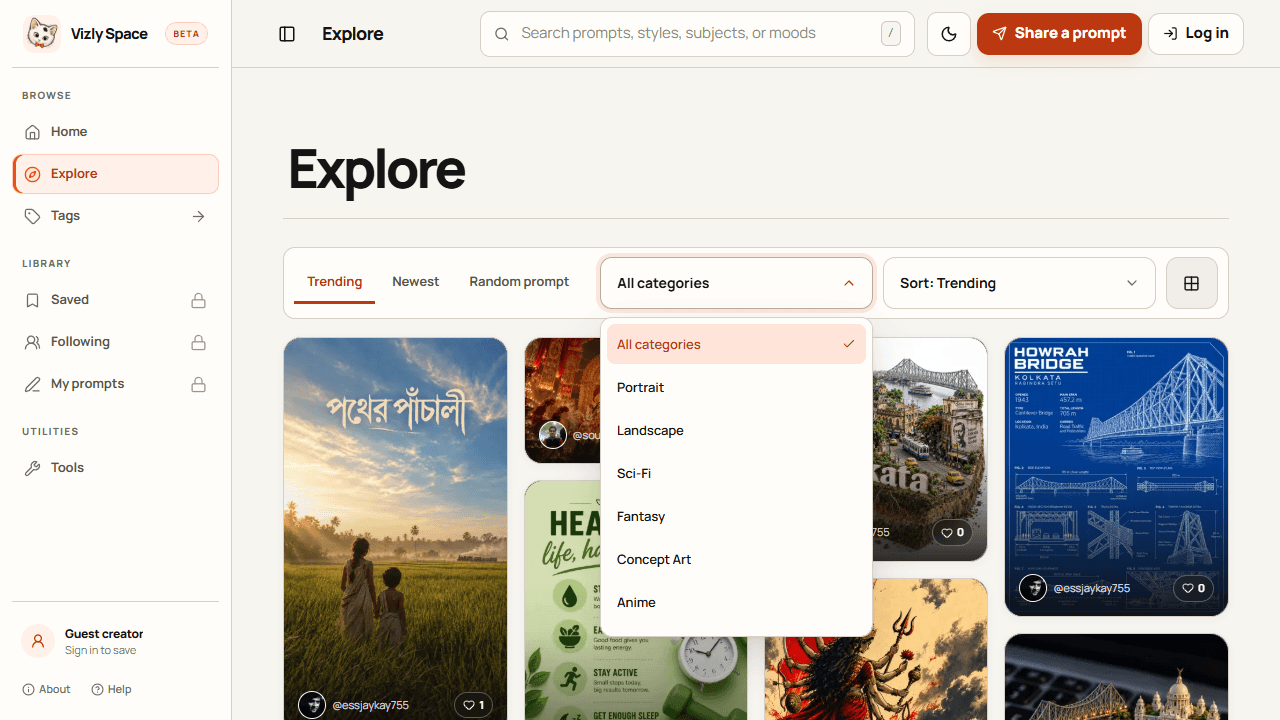
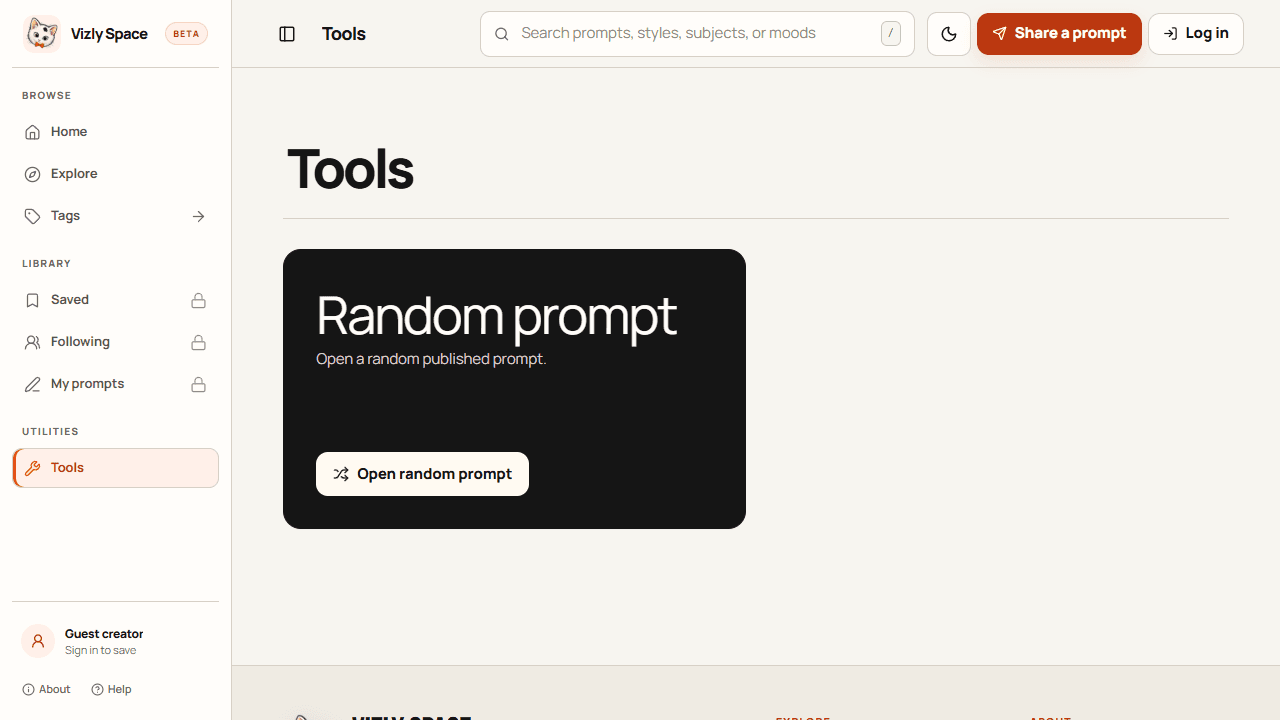
- Combine a prompt grid, topic tags, search, trending and newest views, random discovery, and category filters.
- Prompt receipt
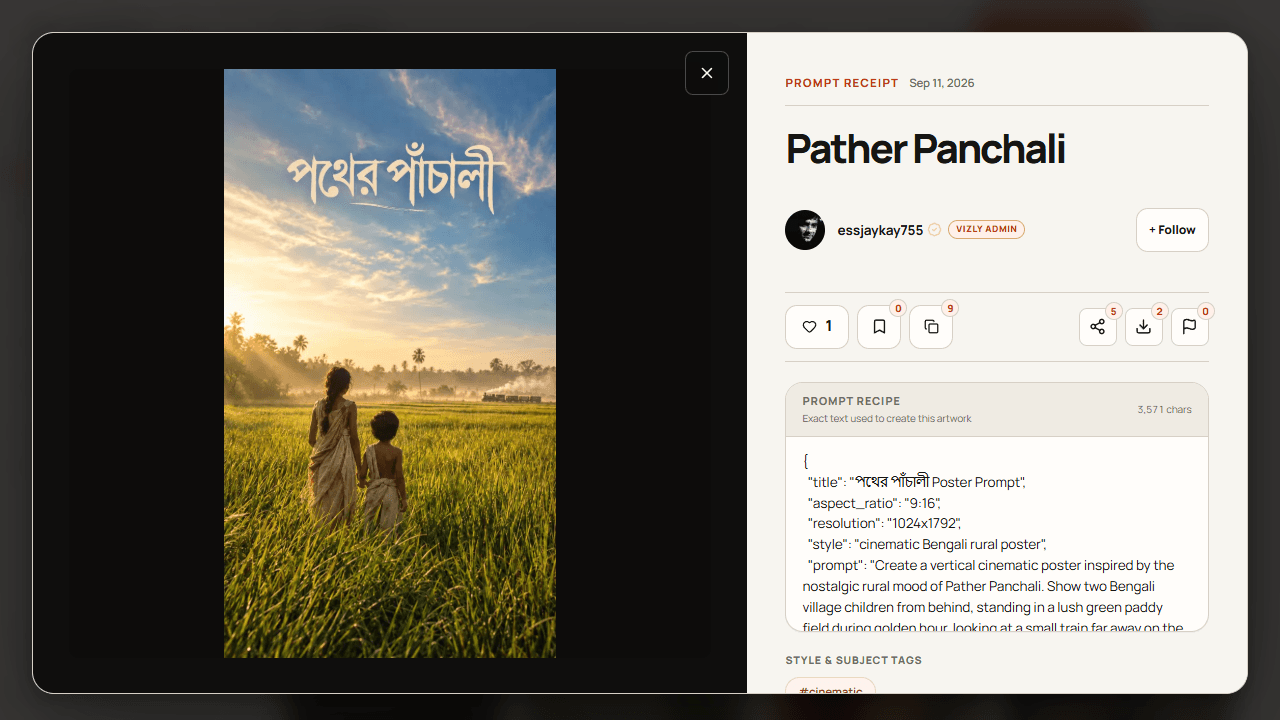
- Show the artwork with its full source prompt and available model, aspect ratio, seed, license, and creator details.
- Creator and account flows
- Separate public browsing from save, follow, profile, and publish actions that require a creator account.
- Gemini prompt helpers
- Use Gemini 2.0 Flash to expand a short prompt and suggest tags, while returning the original prompt if enhancement fails.
05Decisions
D1Keep the generation recipe beside the image
Why
An image alone hides the choices that made it useful and makes the result harder to recreate.
Result
Each receipt can expose prompt text and supporting source details in the same view as the artwork.
D2Let visitors browse before asking them to sign in
Why
The archive is useful as a reference even when someone is not ready to publish or build a personal library.
Result
Guest visitors can explore and inspect entries; accounts unlock saves, follows, and publishing.
D3Keep prompt enhancement optional and failure-tolerant
Why
AI assistance can improve a starting idea, but should not make the basic prompt workflow depend on a successful model call.
Result
The Gemini helper returns the original text when enhancement is unavailable and can suggest tags as a separate action.
06Trade-offs
Publish full prompt receipts for reuse
Gained
- +Makes the archive more useful for learning and remixing
- +Keeps source context attached when artwork is shared
Gave up
- −Long prompts need careful reading and copying controls
- −Creators need clear expectations around attribution and license metadata
Offer open browsing with account-based library actions
Gained
- +Visitors can discover the product without an account barrier
- +Saved and creator-specific actions can be associated with an account
Gave up
- −Personal saves and publishing require an additional sign-in step
07Performance
- ↯Use browsing controls for search, tags, sorting, and random discovery to shorten the path from opening the site to finding a useful prompt.
- ↯Keep Gemini assistance scoped to explicit prompt-enhancement and tag-suggestion actions rather than making archive browsing wait on a model response.
08Challenges
- #Keep the prompt, image, creator, and generation settings legible together when a receipt contains a long recipe.
- #Make public discovery feel complete while clearly communicating which personal and publishing actions need an account.
- #Preserve useful prompt text when an optional AI enhancement call fails.
09Learnings
- →For generative artwork, the process details can be as valuable as the final image; provenance belongs in the content model and the UI.
- →A guest-friendly archive and account-based creator library can share one interface without making discovery feel gated.
- →AI helpers work best as optional, recoverable steps around a human-authored prompt.
10Retrospective
A next pass could version each prompt receipt with its model revision and generation parameters, giving creators a clearer path to reproduce results as image tools change.
11Gallery
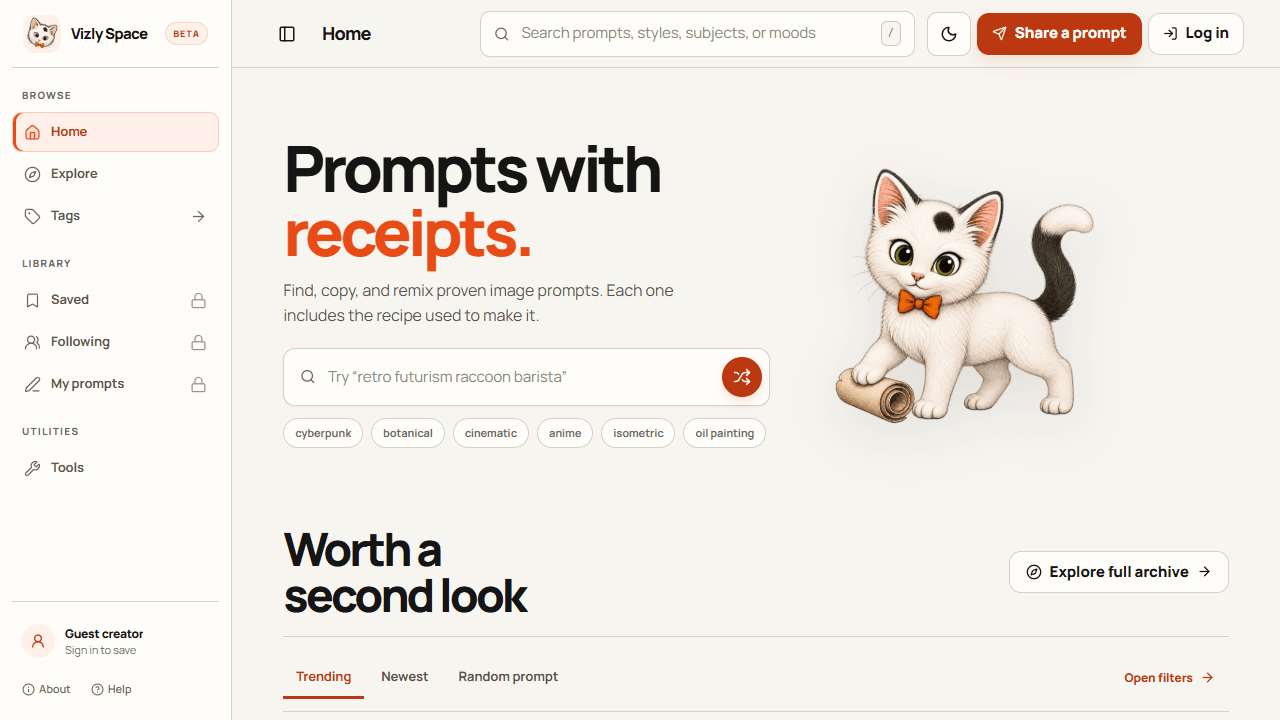
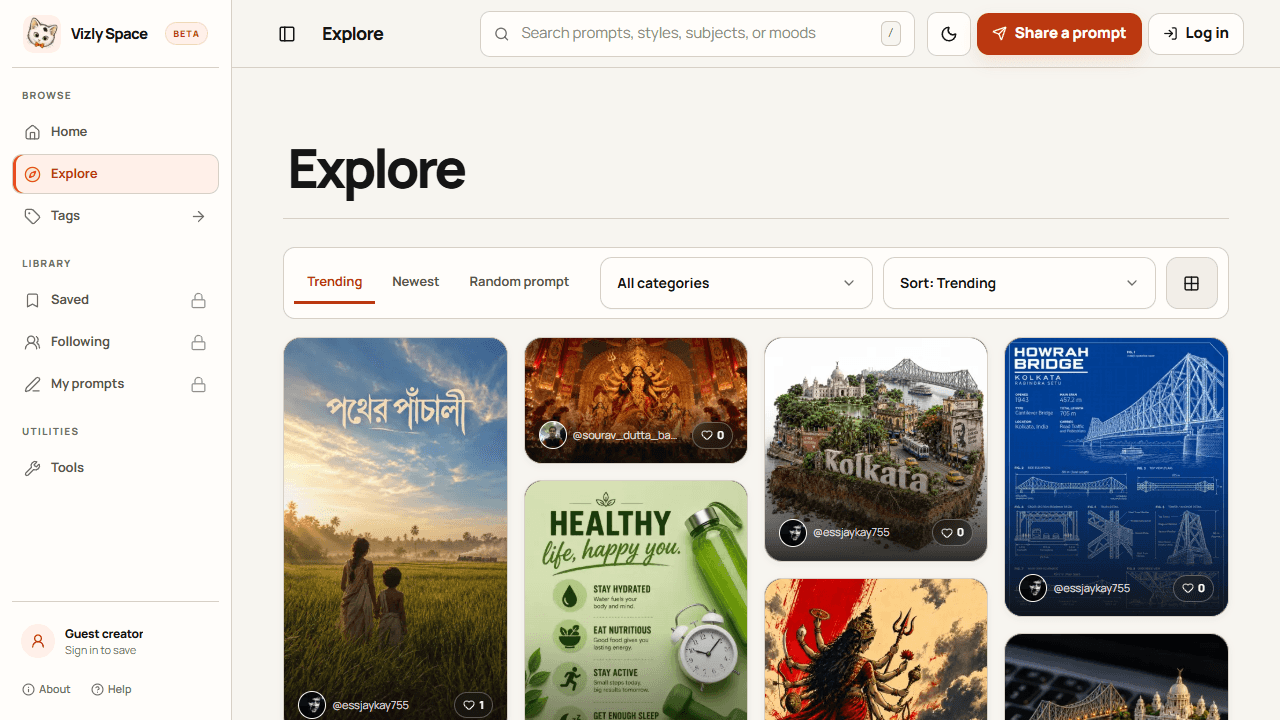
The archive. Browse a shared library without an account, search for useful prompts, explore tags, and sort entries by trending or newest.
The receipt. Each post pairs its finished image with the exact prompt and source details such as model, aspect ratio, seed, tags, and license. Open a receipt to copy, save, share, or download the artwork.
The creator tools. Sign in to save prompts, follow creators, and publish entries. Gemini-powered helpers in the source project can expand a prompt and suggest relevant tags.
The build. The source project uses the Next.js App Router, React, TypeScript, and Tailwind CSS. Typed prompt records and reusable card, detail, profile, submission, and account components organize the experience.
Next project · 04
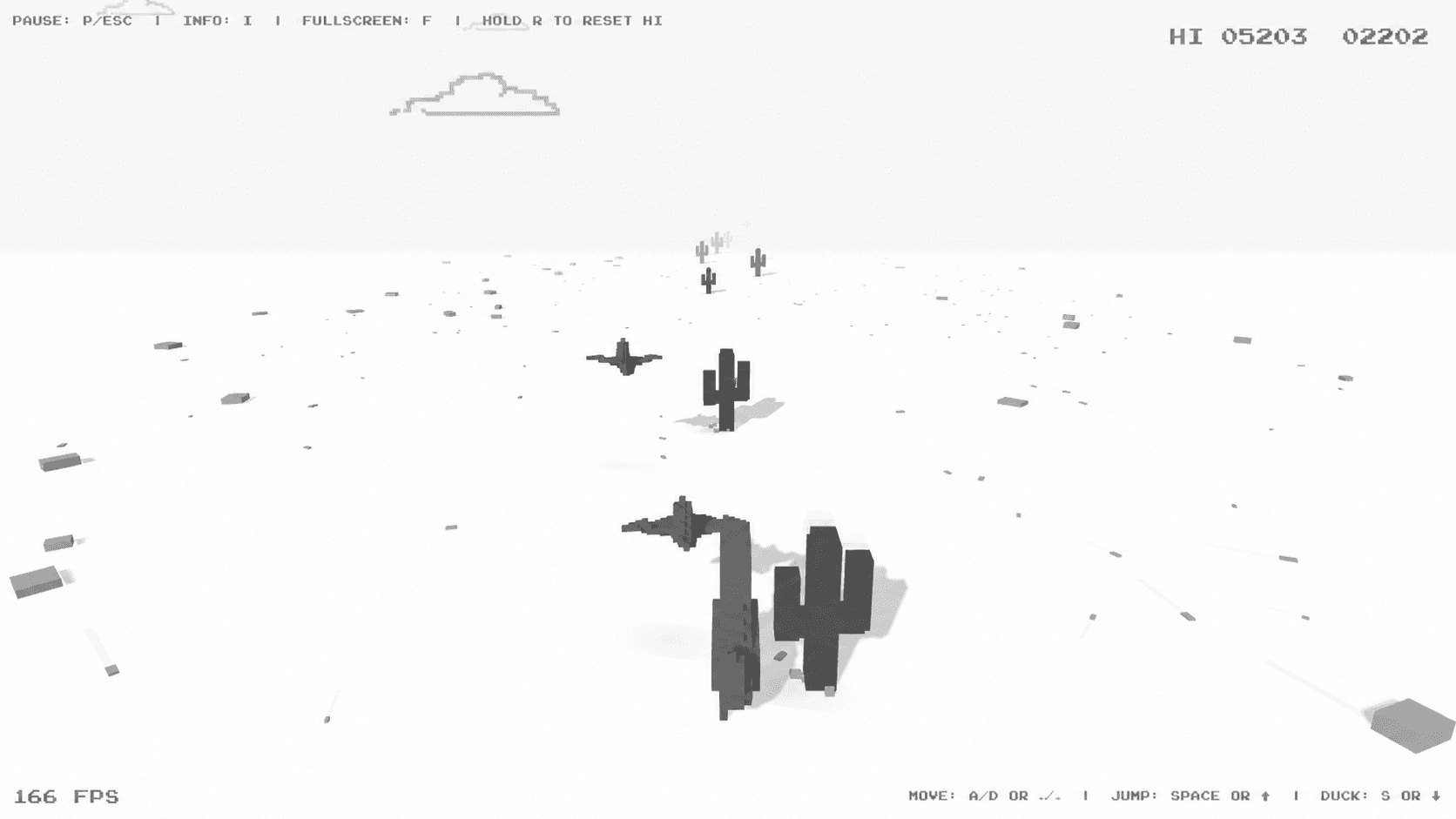
DINO 3D →
Chrome's classic offline Dino runner reimagined in low-poly 3D for desktop and mobile with dynamic day/night cycles.